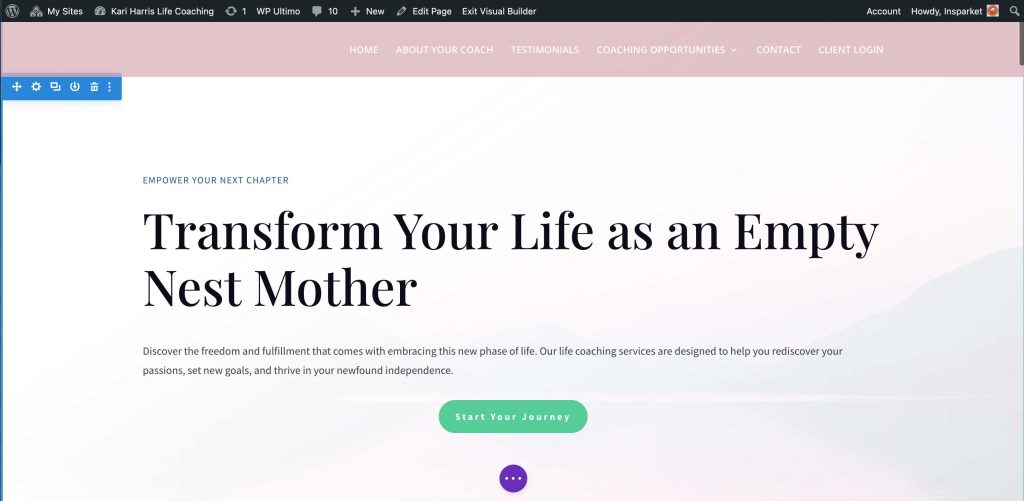
The latest version of Divi has AI generative capabilities. You can even have it build out the first draft of a new page. Here is a quick step-by-step:
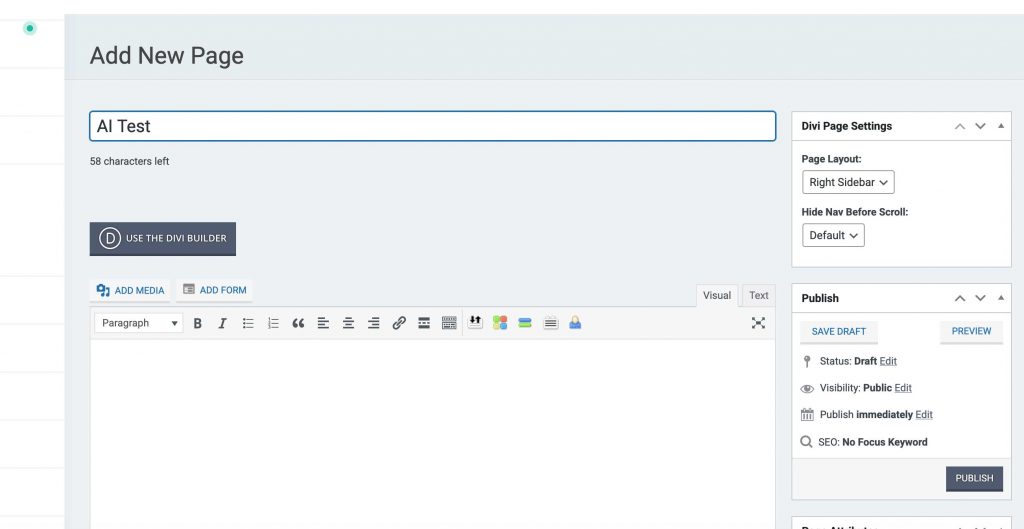
First, create a new page by going to My Pages > Add New Page. Give your page a title and click publish. Once the page is published, click Use the Divi Builder, then click Build on the Front End.
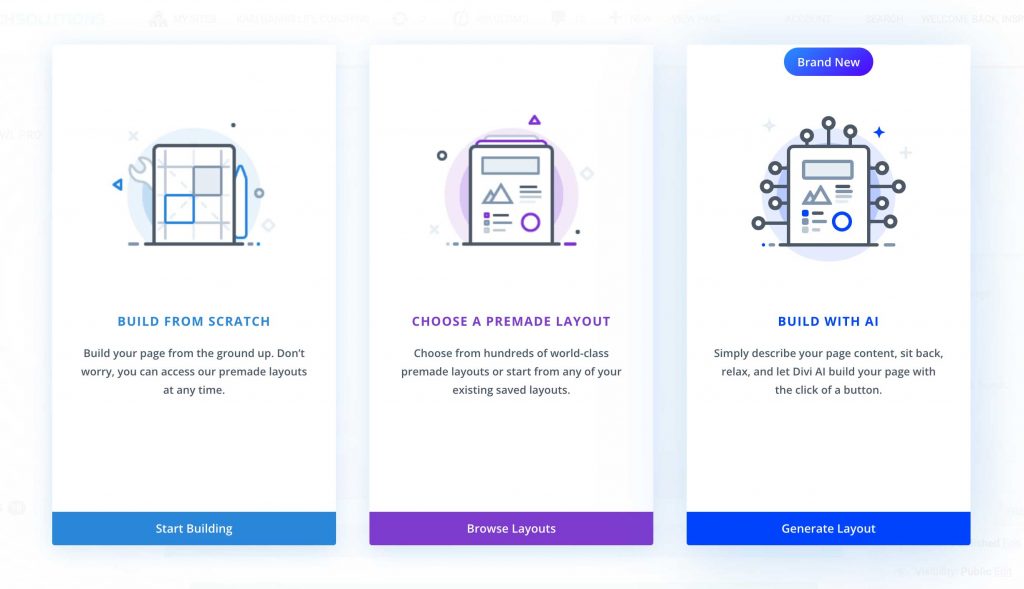
When the visual builder is loaded, you will be presented with the following page. Choose Build With AI.
You will be asked to give the AI builder some instructions. Input what you would like it to build.
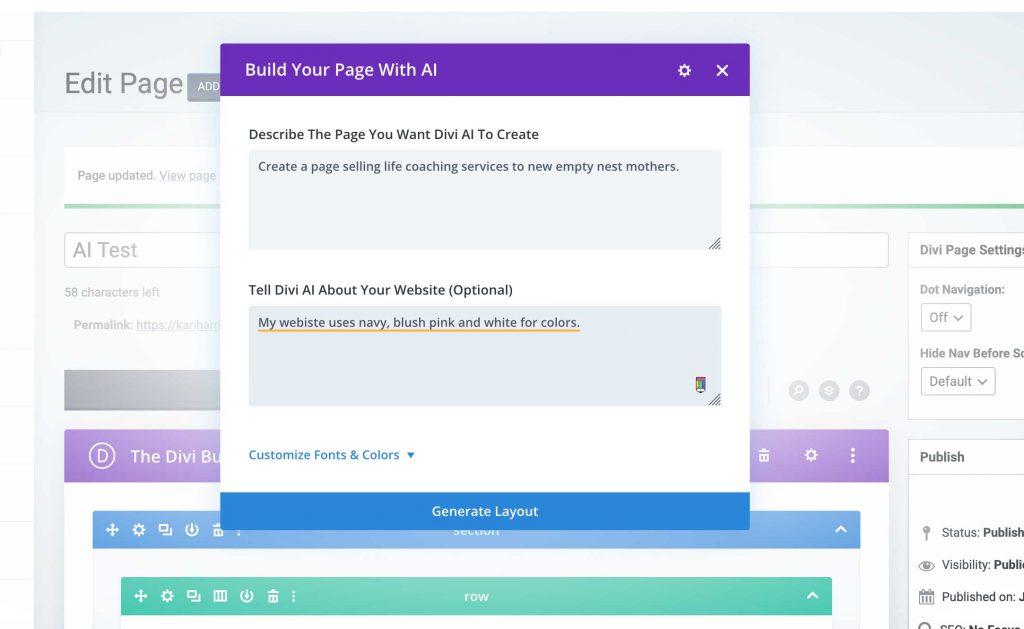
Click Generate Layout and wait for the AI to do its work.
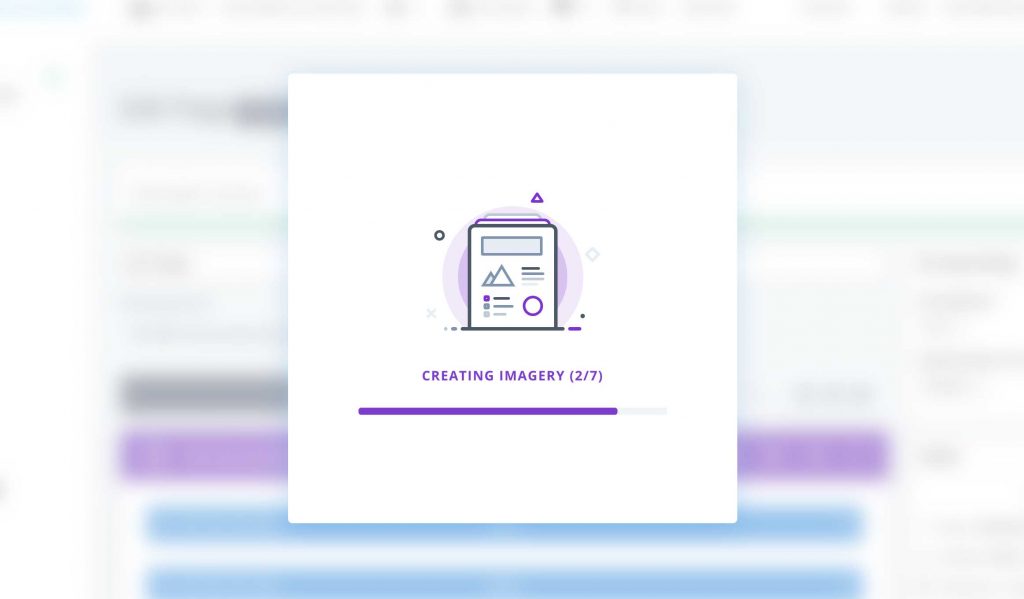
When it’s finished, you will be taken back to the BACK END builder. Click Build on the Front End.
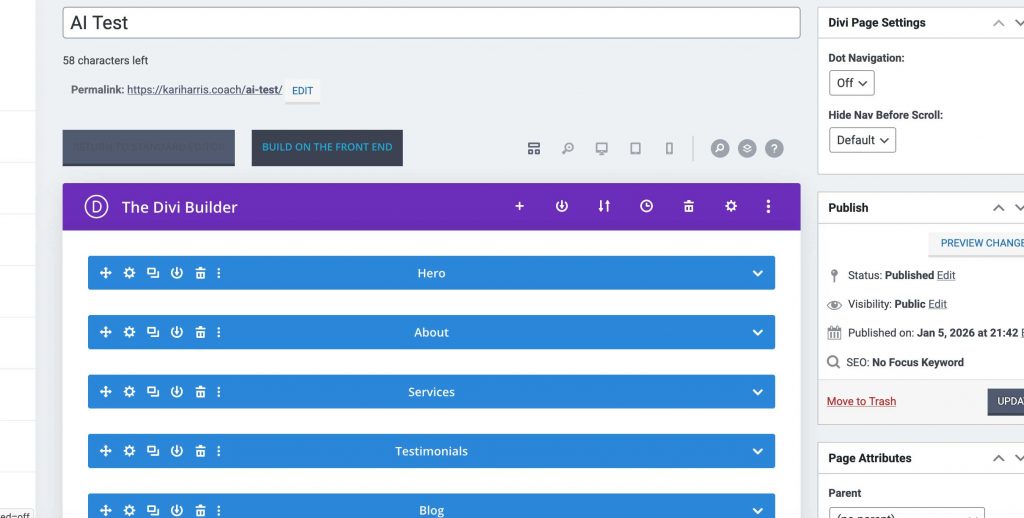
You will be taken back to the visual builder where you can see the page AI has built, and make any changes to it that you wish.